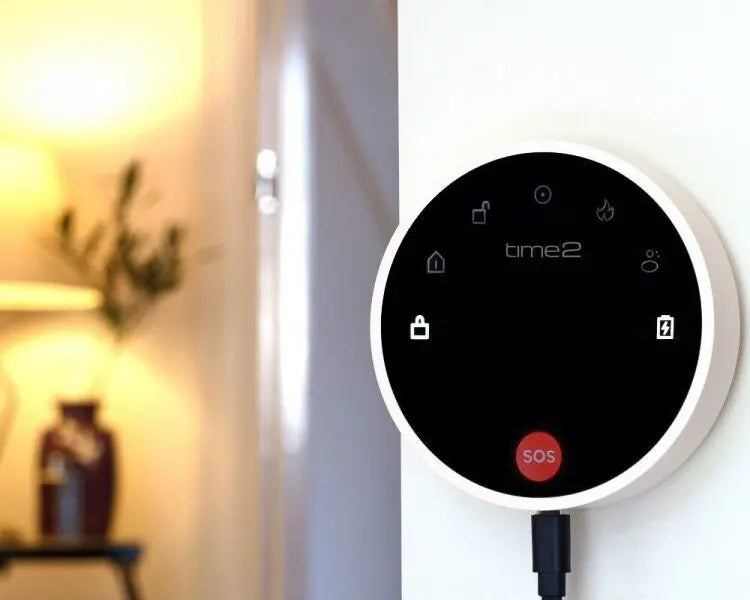
One app for your Time2 home.
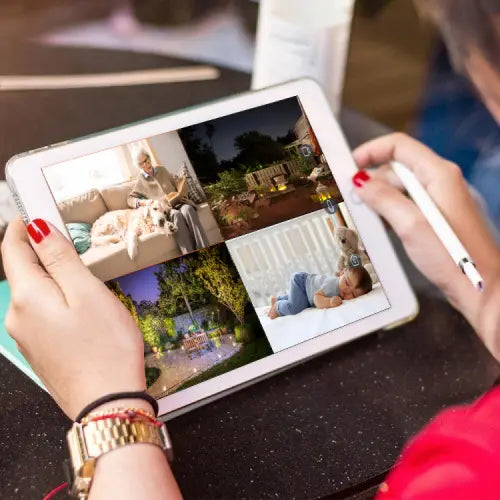
The Clan At Home app is used to set up and manage compatible Time2 devices from your smartphone or tablet.
Clan App Guides & Setup
Browse support topics for the Clan At Home app.
Getting Started
Help getting started with Clan At Home.
Adding a Device
Help adding a device in Clan At Home.
Sharing Access
Help with sharing access to your devices.
Adding Family Members
Help adding family members to your Home/Location.
Locations & Rooms
Help with Locations & Rooms.
Notifications
Help with Clan notifications.
Camera Settings
Help with Clan camera settings.
Recordings
Help with recordings in Clan At Home.
Multi-Camera View
Help with the Multi-Camera View topic.
Smart Automations
Help with the Smart Automations topic.
Alexa
Use the validated Amazon Alexa integration guide.
Google Home
Use the validated Google Home integration guide.
Troubleshooting
Help with common Clan app issues.
Sharing your Time2 devices
You can share individual devices or add people to your Home/Location depending on the access required.
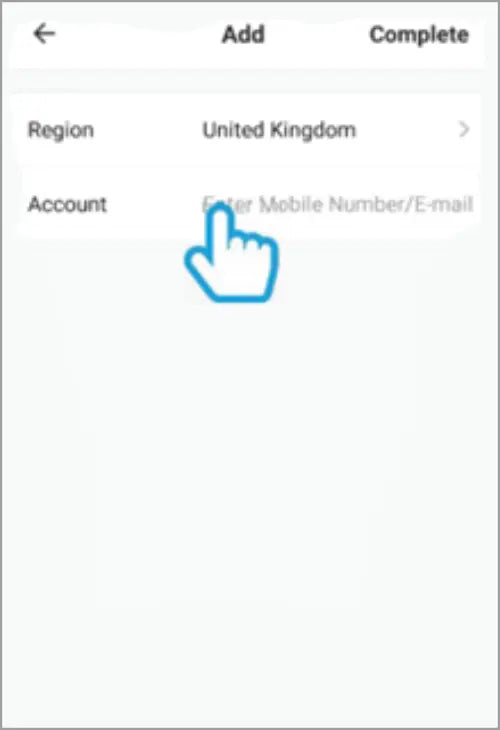
Connect your smart home
Connect Clan At Home with Amazon Alexa or Google Home using the guides below.
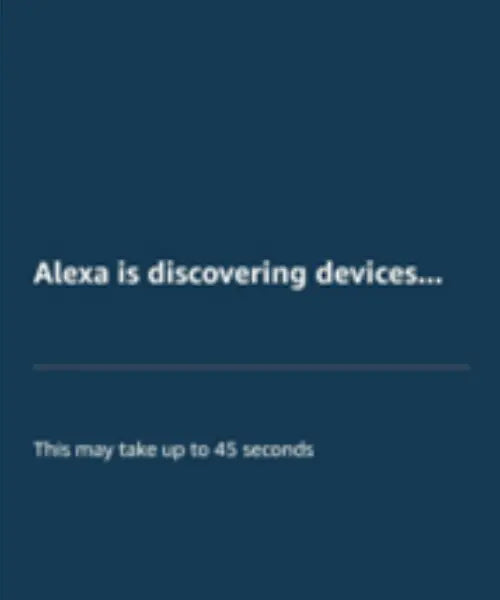
Amazon Alexa
Enable the Clan skill in the Alexa app to connect your Time2 devices.
Google Home
Link Clan At Home with Google Assistant to connect your Time2 devices.