
DESKTOP ACCESS
See your Time2 cameras on a bigger screen.
Use Time2 Web View to access compatible cameras from your PC or laptop.
Launch Web ViewOpens the official portal: ipc-eu.ismartlife.me
HOW IT WORKS
Connect in 3 simple steps
Open Web View on your computer, then use the Clan At Home app on your phone to scan the displayed QR code.
1
Open Web View on your computer
Visit the official Web View page in your browser. A QR code will appear on your computer screen.
ipc-eu.ismartlife.me
2
Open Clan At Home on your phone
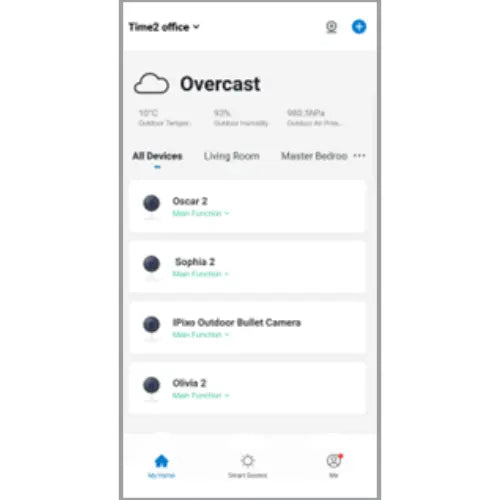
Launch the Clan At Home app where your cameras are paired, and open the in-app QR scanner.
Available on iOS and Android
3
Scan the QR code
Scan the code displayed on your computer with your phone and confirm the login to access your cameras.
Scan to sign in
FEATURES
What you can do in Web View
Available features depend on your device and setup.
Live camera viewing
View live camera feeds from your computer, where supported by your device.
Learn moreHaving trouble with Web View?
Find help with QR codes, browser setup, and camera access.